
Bluey: Let's Play!
Budge Studios

| Category | Casual |
| Installs | 50,000,000+ |
| Version | 2026.7.0 |
| Updated | Jun 5, 2026 |
About this game
Game Overview
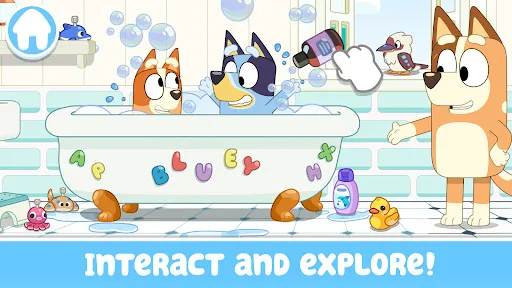
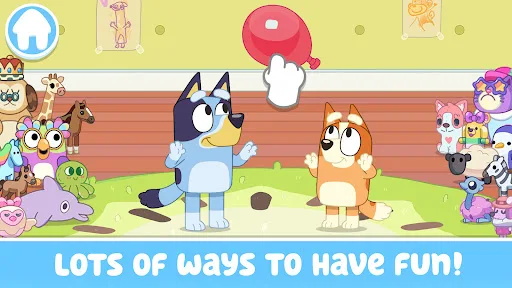
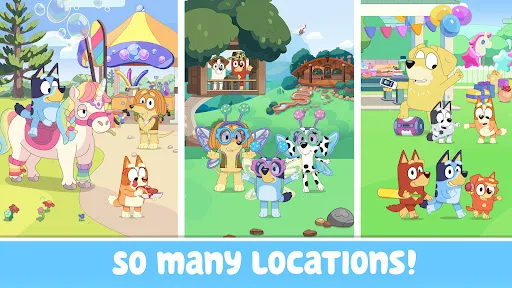
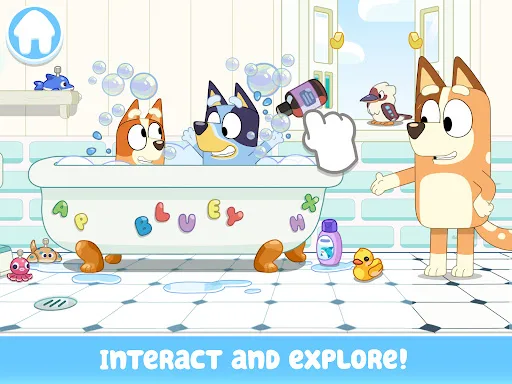
Bluey: Let’s Play! is a casual children’s game from Budge Studios that turns the Heeler family home into a touch-friendly pretend-play space. The loop is simple: explore rooms, tap and drag objects, trigger small activities, and move between colouring, mini-games, and make-believe scenes. It is designed for short, low-pressure sessions rather than goals, scores, or failure states. The presentation follows the TV series closely, with familiar characters, bright cartoon visuals, and a focus on household play rather than traditional challenge. That makes it feel closer to a digital toy box than a structured game. For families already familiar with Bluey, the appeal is obvious. For everyone else, it is a gentle, preschool-oriented app that prioritises open-ended interaction over depth.
Core Gameplay Features
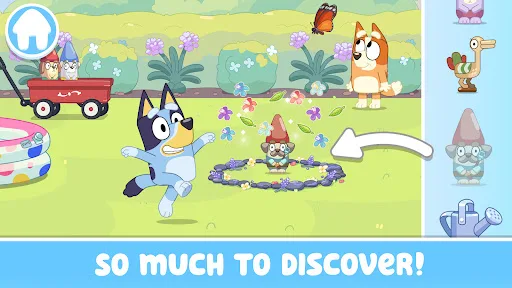
- House Exploration Players move through the Heeler family home and look for hidden surprises, including longdogs. The structure encourages casual room-by-room discovery instead of linear objectives.
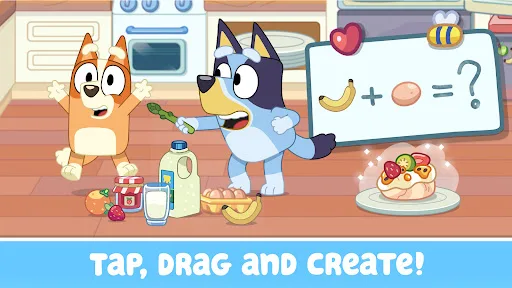
- Pretend Play Scenes The game supports make-believe activities such as tea parties, cooking, and backyard projects. These moments work as open-ended play prompts rather than fixed missions.
- Touch Interaction Tap, drag, and simple object interaction drive most of the activity. That keeps the controls accessible for toddlers and preschool players who are still learning mobile gestures.
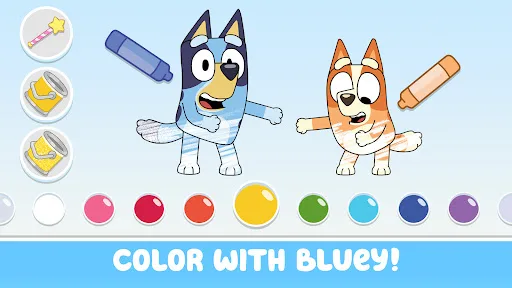
- Colouring Activities Colouring pages and scene colouring add a quieter creative mode to the app. This gives the experience a slower rhythm and broadens it beyond exploration alone.
- Family-Friendly Content The description frames the app as safe and easy for children aged 2 to 9. That positioning matters because it signals a very low-friction, parent-friendly play style.
What Makes It Stand Out
Its main strength is not complexity but familiarity. The app leans on a recognisable licence, a clear preschool focus, and a structure that mirrors the show’s everyday imagination rather than conventional game systems.
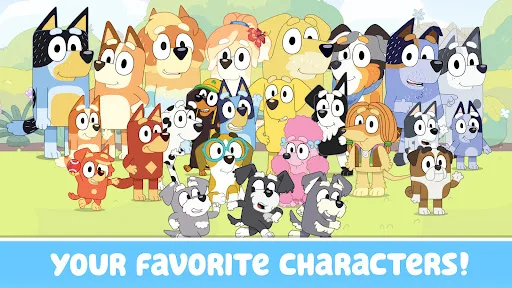
- Strong Brand Recognition Bluey, Bingo, Bandit, and Chilli are all included, so the app has immediate appeal for families already invested in the series. That recognition helps the playset-style design feel purposeful.
- Large Audience Reach The Android listing shows 50,000,000+ installs and more than 224,000 ratings, which suggests broad exposure and a well-established audience. That volume gives some confidence in its mainstream appeal.
- Cross-Platform Availability It is available on both the Australia Google Play Store and the App Store, with a current version listed on each. That makes it easy to install on either Android phones or iPhones and iPads.
Things to Know Before Playing
This is a free-to-start children’s app, so the practical questions are about access, storage, and monetisation rather than difficulty. The tone is calm, but some content sits behind a paid subscription, and the game is built for very young age groups.
- Subscription Gate The description says a paid subscription is required for some app content. The free download is therefore not the full experience, and families should expect locked sections.
- Age Suitability The App Store rates it 4+, while Google Play marks it General. That makes it broadly suitable for young children, and parental controls may still be useful for subscription management.
- Storage Planning The iPhone and iPad version lists a size of about 175 MB, while the Android listing does not show one. Leaving extra free space for updates and cache is sensible.
You may like
Candy Crush Saga
King
My Talking Tom
Outfit7 Limited
Pou
Zakeh
My Talking Tom 2: Pet Game
Outfit7 Limited
Homescapes
Playrix
Gardenscapes
Playrix
Township
Playrix

Minion Rush: Running Game
Gameloft SE

Candy Crush Soda Saga
King
My Talking Tom Friends
Outfit7 Limited
My Talking Angela 2
Outfit7 Limited
Hay Day
Supercell
Coin Master
Moon Active
Farm Heroes Saga
King
Angry Birds 2
Rovio Entertainment Oy