Piano Kids - Music & Songs
Orange Studios Games

| Category | Music |
| Installs | 100,000,000+ |
| Version | 3.73 |
| Updated | Jun 24, 2026 |
About this game
Game Overview
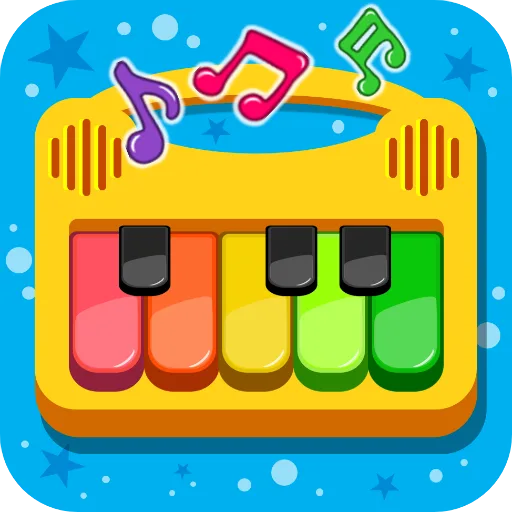
Piano Kids - Music & Songs is a free Android music app from Orange Studios Games that is aimed squarely at younger players, with parents likely sharing the screen more than in a traditional game. It mixes tap-based instrument play with song learning, sound recognition, and lightweight educational mini-games. The presentation is bright and simple, using colourful icons and cartoon-style visuals rather than a performance-focused interface. In practice, the loop is straightforward: pick an instrument, tap to make sounds, follow guided melodies, or move into the broader games area for counting, puzzles, drawing, and memory tasks. That gives it a rhythm suited to short, repeatable sessions rather than deep progression. Its appeal comes from variety and low friction, while its limits come from the same simplicity; it is built for accessible experimentation, not mastery.
Core Gameplay Features
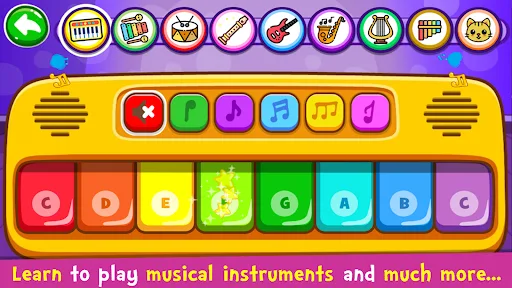
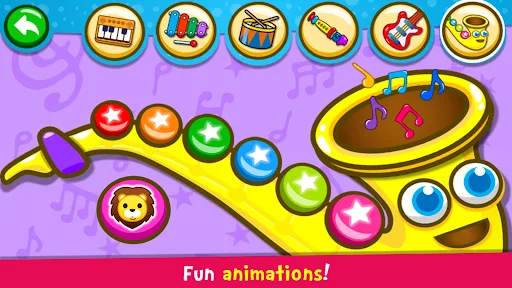
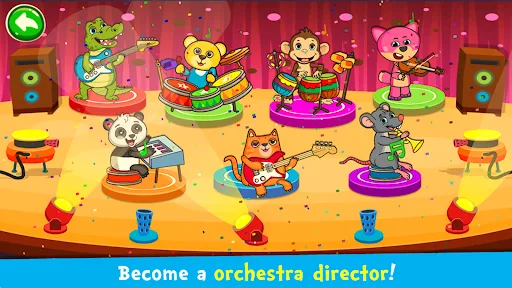
- Instrument Modes Several instruments are available, including piano, drums, saxophone, flute, trumpet, guitar, harp, and panpipes. Each one uses simple tapping and produces a distinct sound, making free-form play easy to understand.
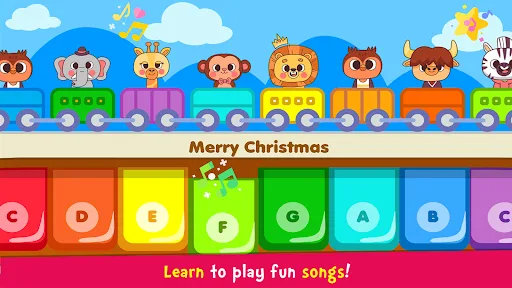
- Song Learning The songs section includes an Auto Play option that demonstrates melodies before they are played manually. That structure gives the app a guided-learning feel instead of leaving children to guess the notes.
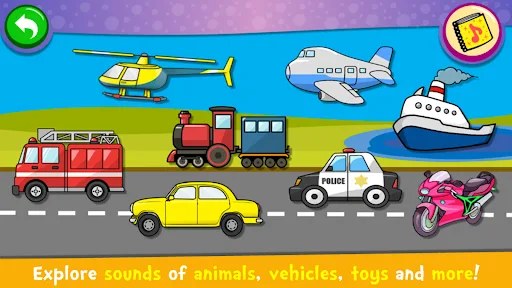
- Sound Collections A separate sound mode groups everyday objects and themed sounds together with images. It also introduces colours, numbers, letters, and pronunciations in English, Spanish, and Portuguese.
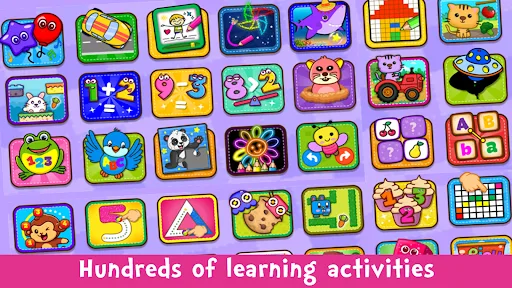
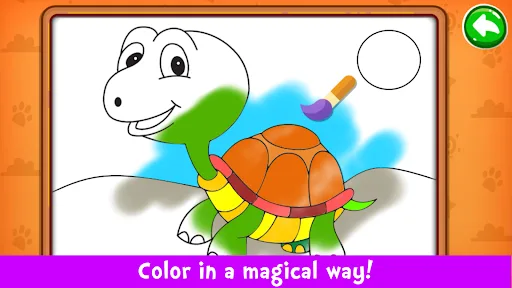
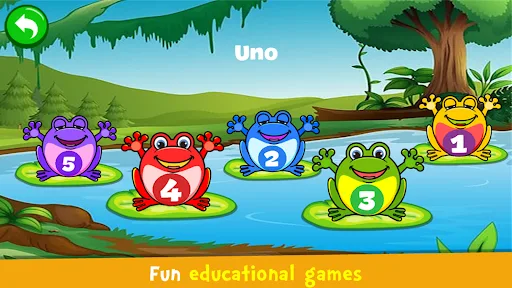
- Mini-Game Variety The games mode adds counting, alphabet work, puzzles, colouring, drawing, pixel art, and memory play. This broadens the app beyond music and gives it a more classroom-like rhythm.
- Simple Touch Interface The interface is described as intuitive and easy to use, which matters for very young players. Short sessions and repeated tapping suit tablets and phones alike.
What Makes It Stand Out
Among children’s music apps, this one stands out more for breadth than depth. It combines instruments, songs, and learning activities in a single free package, and its huge install base suggests it has found a large audience on Android.
- Large Audience The listing shows more than 100,000,000 installs and over 724,000 ratings, which points to a well-established app with plenty of real-world use behind it.
- Broad Activity Mix Music play is only part of the package. The addition of puzzles, drawing, memory games, and alphabet or number practice gives it wider educational reach than a basic toy piano.
- Family-Friendly Scope The General content rating and toddler-focused description make it easy to place as an all-ages, parent-assisted app rather than something built for older children or competitive play.
Things to Know Before Playing
This is a free Android app, so the practical questions are mostly about expectations rather than access. It is designed for young children, updates regularly, and keeps the focus on simple interaction instead of complex progression or online play.
- Android Only The app is available on the Australia Google Play Store, but not on the App Store. iPhone and iPad users will need to look elsewhere.
- Light-Weight Design The store listing does not provide a file size, so storage needs should be checked on Google Play before installing. As a free app, it may also include ads or optional purchases.
- Young-Child Fit The General rating makes it suitable for families, but the content is clearly aimed at toddlers and younger children. Older players may find the activities too simple.